

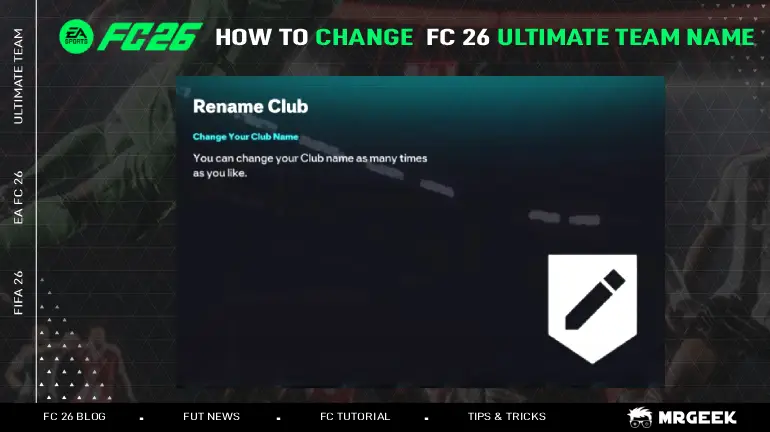
EA Sports FC 26 is back, bringing players another chance to craft their dream squad in Ultimate Team. From fine-tuning formations and setting custom instructions to upgrading players and swapping managers and even grinding or trading EA FC 26 Coins to strengthen your squad, the mode offers endless ways to personalize your club. But there's one detail that often feels overlooked — the default, randomly assigned club name. It doesn't exactly capture the personality or style of your team. The good news? You can change it. In this guide, I'll show you how to rename your Ultimate Team club and make it truly yours.
FC 26 Ultimate Team: Step-by-Step Guide to Changing Your Club Name
Go to the Club menu
- From the Ultimate Team home screen, head to the Club tab.
- Select View Squad to see your current lineup.
.jpg)
Open the Team Management menu
- Press L3 (press down the left analog stick) on your controller.
- A small menu will pop up on the left side of the screen.
Choose Squad Selector
- In this menu, select Squad Selector to view all of your created squads.
.jpg)
Pick the squad to rename
- Highlight the squad you want to rename.
- Press X on Xbox or Square on PlayStation.
Enter your new name
- A textbox will appear. Type in your new squad's name.
Save your changes
- Press the Menu button on Xbox or Options button on PlayStation.
Your new squad's name is now saved!
Tips
- Multiple Squads: If you're one of those players juggling several custom formations and tactical setups — we get it — you'll need to rename each individual squad manually through the Squad Selector. There's no way around it, EA doesn't let you set a single "global" club name across multiple squads.
- Name Restrictions: While the rename process itself is simple, EA Sports does enforce restrictions. An automated filter scans for profanity, offensive terms, or inappropriate content. Sure, you might be tempted to slip something through with symbols or creative spelling — but don't push your luck.
- Penalties: If another player reports your club's name or EA audits it, you could face penalties, including a two-week ban from Ultimate Team. EA has handed out bans before, so it's best to stick with something clean, clever, and unique.
Why Your Club Name Matters in FC 26 Ultimate Team
Your club's name isn't just a throwaway detail — it's your identity in Ultimate Team. It's the name opponents see when you face off, the one that shows up on leaderboards, and sometimes even the one that gets shared around after a big win.
When Can You Change Your FC 26 Club Name?
You can start changing your club name in EA Sports FC 26 from September 17, 2025, through the EA FC 26 Web App. Completing the name-change objective there also earns you a reward pack, giving you a nice bonus to kick off your Ultimate Team journey. From that point onwards, you can also make adjustments to your virtual squad before the full game launches, including using the Transfer Market to trade players and strengthen your team ahead of release.