


Build your Ultimate Team with additional FC Coins available through MrGeek. Buy FC Coins and keep your squad moving forward.
Why do I need to log out of FC Ultimate Team?
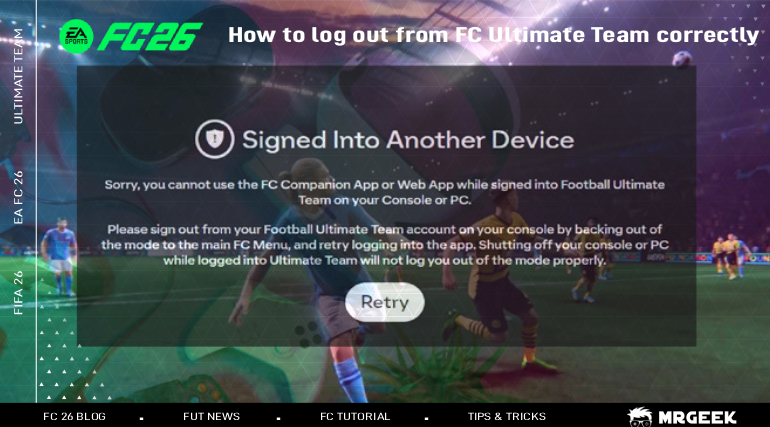
There are a few situations where logging out of EA Sports FC Ultimate Team is necessary. For example, if you're switching devices, trying to use the EA FC Web/Companion App, or if you've bought coins and system notifies you to log out so the transfer can begin/continue.
Why do I need to log out of FUT during a coin transfer?
During delivery, sometimes the transfer pauses because your account is still active on another device. When this happens, our system cannot log in and use your Web App to send the coins. To fix this, you simply need to log out of Ultimate Team. You can still play other game modes, but FUT must be closed and most times just turning off the device won't properly log you out.
How to log out properly (from Console & PC)
- Inside Ultimate Team: Back out to exit the mode. To do so:
On PC → press Esc
On PlayStation → press O (Circle)
On Xbox → press B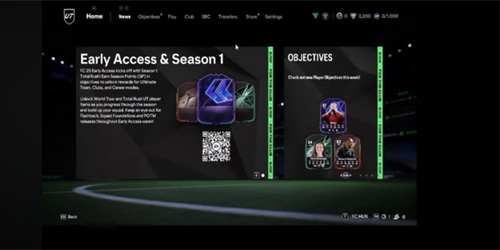
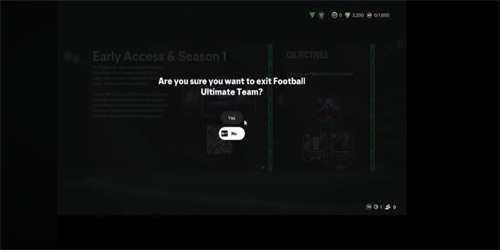
- Confirm exit from FUT: A prompt will appear: "Are you sure you want to exit Football Ultimate Team?" → select Yes.
- Leaving FUT screen: You'll see a short loading screen saying "Leaving Ultimate Team." Wait until it completes.

- Back at the EA FC main menu: Once the loading is done, you'll be returned to the main game screen. From here, you can also quit the full game if needed.
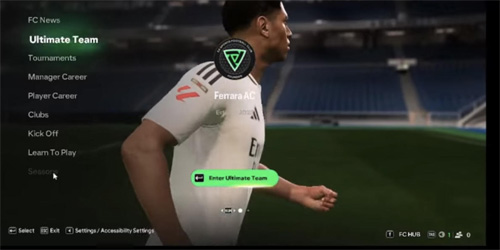
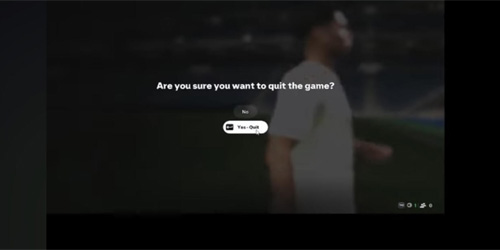
- Quit the game (optional): If you choose to close the entire application, the game will ask: "Are you sure you want to quit the game?" → select Yes. This ensures all sessions are fully closed.
Logout Methods at a Glance
| Platform / Method | How to Exit Ultimate Team |
|---|---|
| PC | Press Esc and confirm exiting Ultimate Team |
| PlayStation | Press Circle (O) and confirm |
| Xbox | Press B and confirm |
| Companion App / Web App | Open your profile and select "Log Out" |
from FC Companion App/Web App
Open FC Companion App or EA Web App on your mobile or PC browser then click your profile icon, and select "Log Out."
Extra Tips
- Exit FUT completely: Make sure Ultimate Team is closed on all devices.
- Restart your device: This clears any background sessions.
- Wait 10–15 minutes if needed: EA servers sometimes take a few minutes to register the logout.
- Untrust connected devices: Sign into your profile on EA website myaccount.ea.com/cp-ui/security/index and terminate all devices that are logged into your account.
How to Resume Your Coin Transfer After You Log Out
If you bought coins and received a notification from the system asking you to log out of FUT, once you've done the steps above, go back to the Delivery section of your order. Click "Try Again" and the transfer will restart. This tells our system that FUT is now closed on your side and allows the coins to be delivered without interruption.
Frequently Asked Questions
How do I log out of Ultimate Team on PC?
Back out of Ultimate Team by pressing Esc, then confirm you want to exit when prompted.
How do I log out of Ultimate Team on PlayStation?
Press Circle (O) to back out of Ultimate Team, then confirm the exit prompt.
How do I log out of Ultimate Team on Xbox?
Press B to back out of Ultimate Team, then confirm the exit prompt.
How do I log out of the FC Companion App or Web App?
Open the app or web app, click your profile icon, and select "Log Out."
Do I need to completely close EA SPORTS FC after leaving Ultimate Team?
Not necessarily — you can still play other game modes. What matters is that Ultimate Team itself is closed, since that's the part of the game tied to the transfer.
Why might I need to log out of Ultimate Team before continuing a transfer?
If your account is still active in Ultimate Team on another device, the delivery system can't log in through the Web App to complete the transfer, so it pauses until you log out.
What should I do if Ultimate Team still appears to be active after logging out?
Restart your device to clear any background session, wait 10–15 minutes for EA's servers to register the logout, and check myaccount.ea.com to remove any other trusted devices still signed in.
