


In EA Sports FC, you can build your dream club from scratch in Manager Career Mode. This feature lets you design everything — your team's name, kits, crest, stadium, and starting squad — before taking charge as manager.
Once your club is set, you may want to strengthen your squad faster , check current FC Coin. options on the MrGeek homepage.
Creating a new club puts you in full control of your football journey. You can:
- Start a brand-new club under your own management.
- Customize the club's name, kits, crest, and stadium.
- Assemble your squad and set board expectations.
- Begin your managerial career in any available league.
Tip: Every decision you make during setup affects your career path — from rivalry intensity to club reputation and financial goals. Take your time on this part; most of it can't be changed once your career begins.
Quick Overview
| Step | What You'll Do |
|---|---|
| 1–2 | Enter Manager Career Mode and choose your manager |
| 3 | Name your club and set its identity |
| 4–5 | Pick a league, the team to replace, and a rival |
| 6–7 | Design your kit and crest |
| 8 | Choose your stadium |
| 9–11 | Build your squad, set board expectations, create players |
| 12 | Finalize settings and start your career |
Step-by-Step Guide: How to Create a Club in EA Sports FC
Step 1: Enter Manager Career Mode
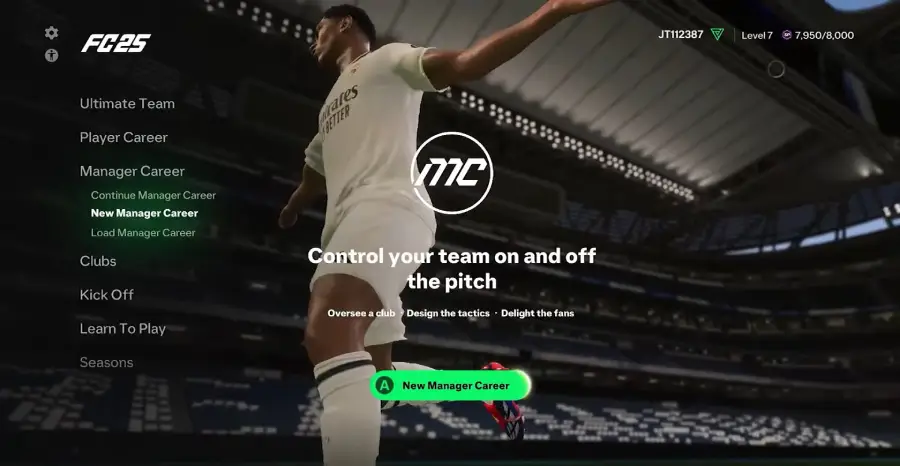
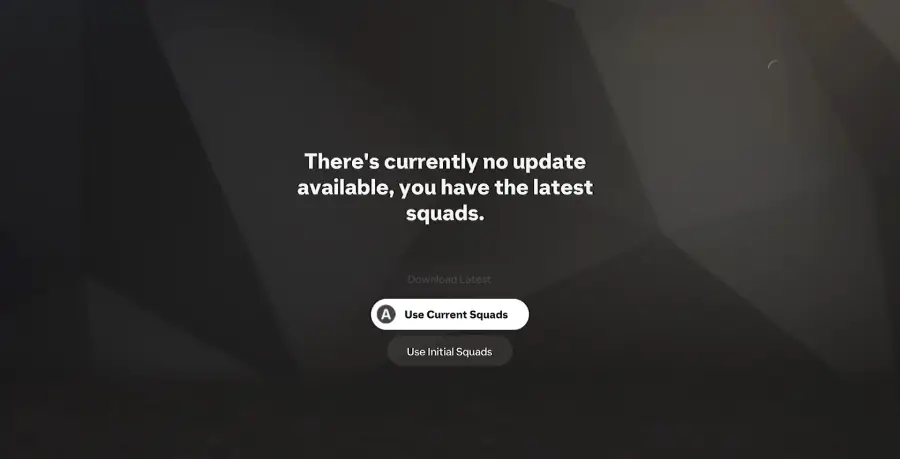
Launch the game and select Manager Career Mode from the main menu. This is where you'll begin setting up your own club.
Step 2: Choose Your Manager
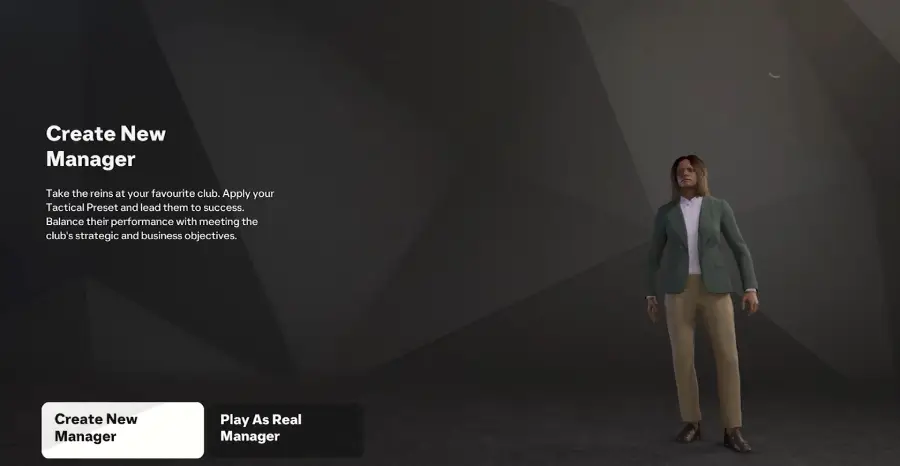
Select an existing manager or create a new one. Picking an existing manager means taking over their previous club; creating a new manager gives you full personalization.
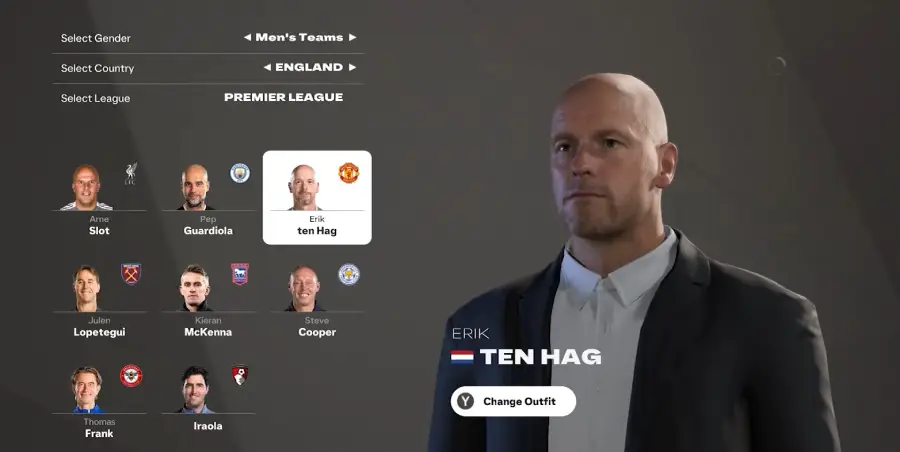
Step 3: Create Your Club
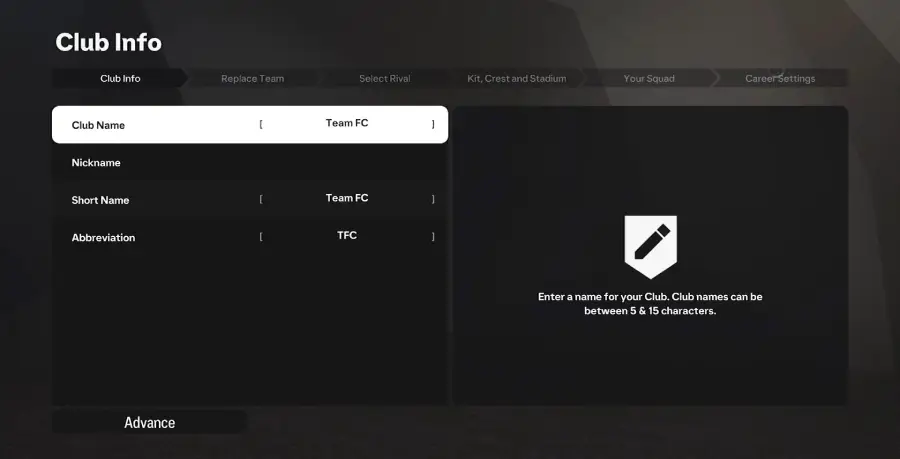
After selecting your manager, fill in your club's identity:
- Club Name — the full name of your team.
- Nickname — what fans will call your club.
- Short Name — a compact version used in menus.
- Abbreviation — a 3-letter code (e.g., "ABC").
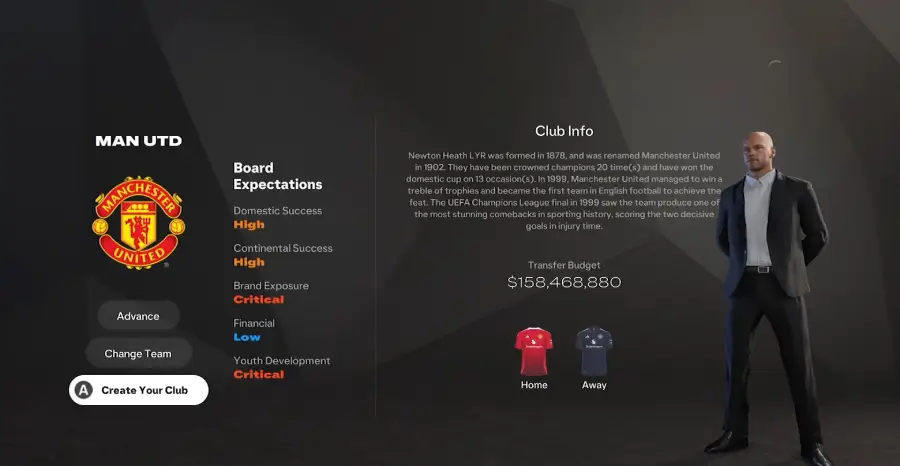
Step 4: Choose a Team to Replace
Select a league and choose one existing team to replace with your new club — for example, the Premier League, La Liga, or any other available competition.
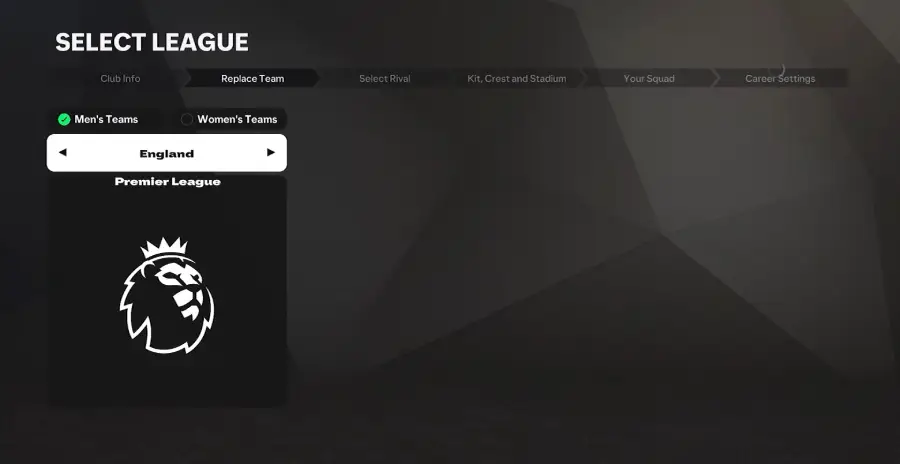
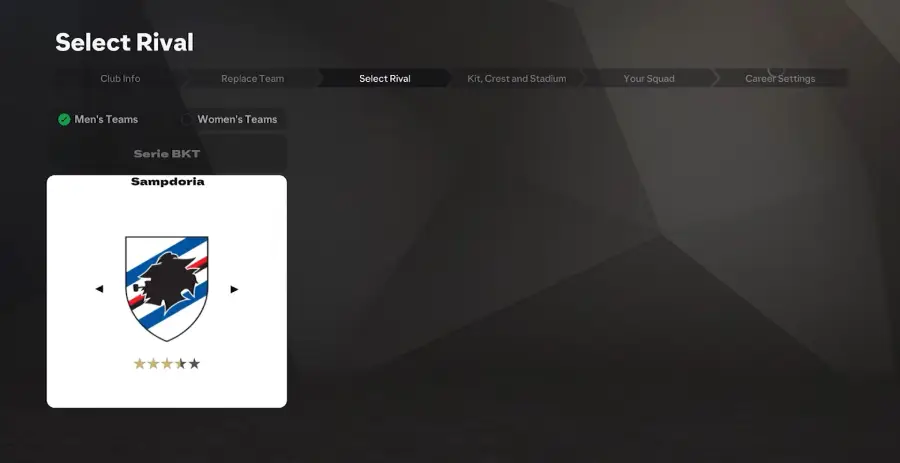
Step 5: Select a Rival Club
Pick a rival team from the same league to add extra competition and realism to your career.
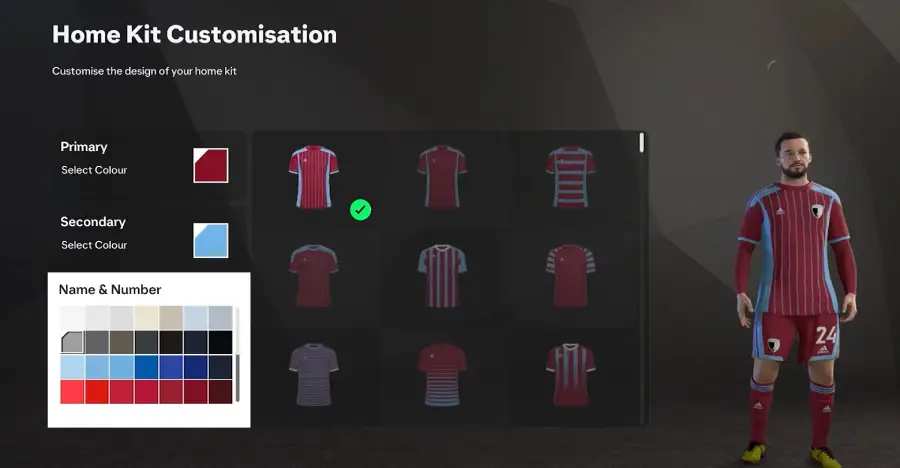
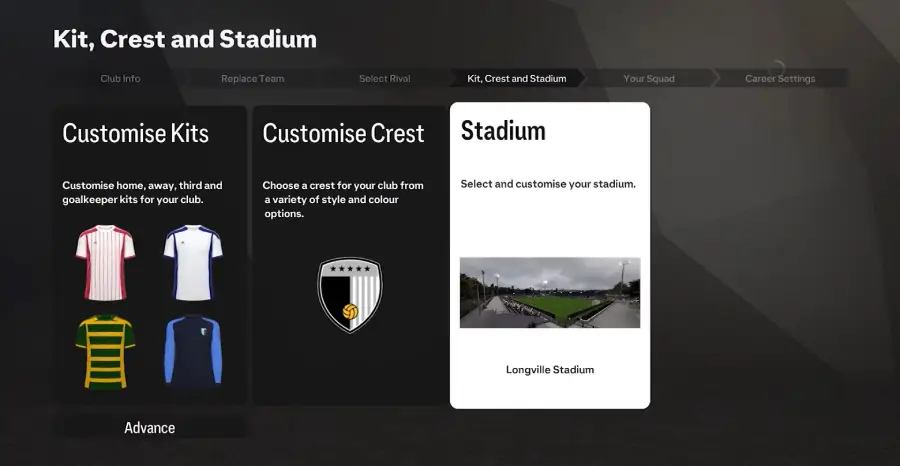
Step 6: Customize Your Kit
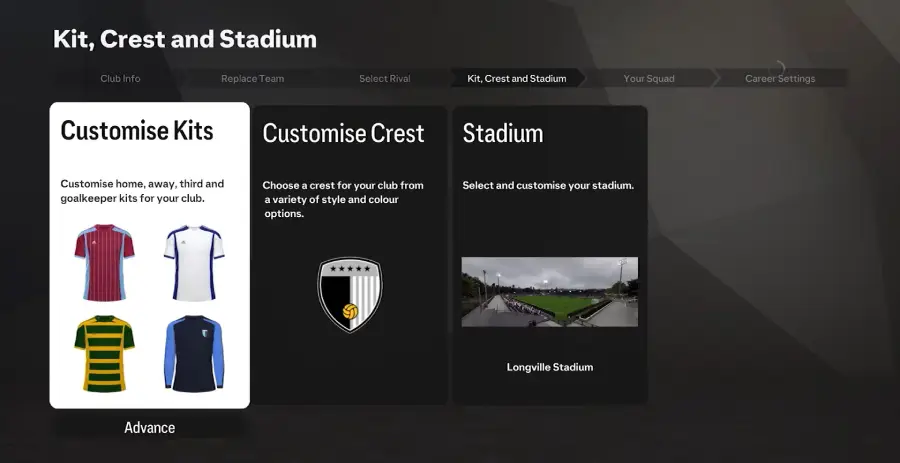
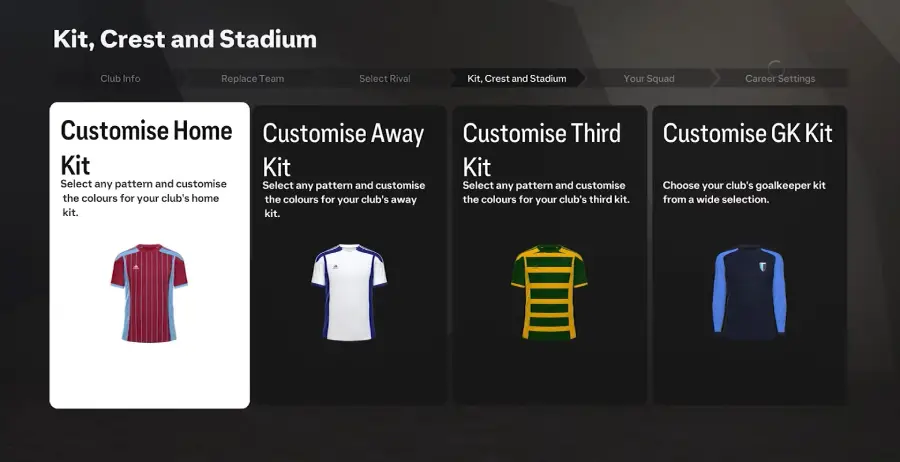
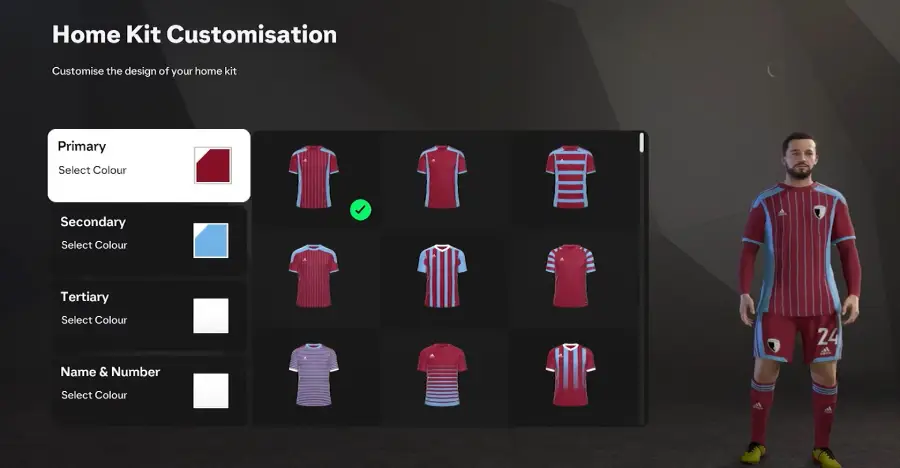
Design your home and away kits, choosing up to three colors and a pattern:
- Primary Color — the main kit color.
- Secondary Color — used for accents and trims.
- Tertiary Color — optional detail color.
- Design — stripes, solids, or patterned templates.
Step 7: Design Your Crest
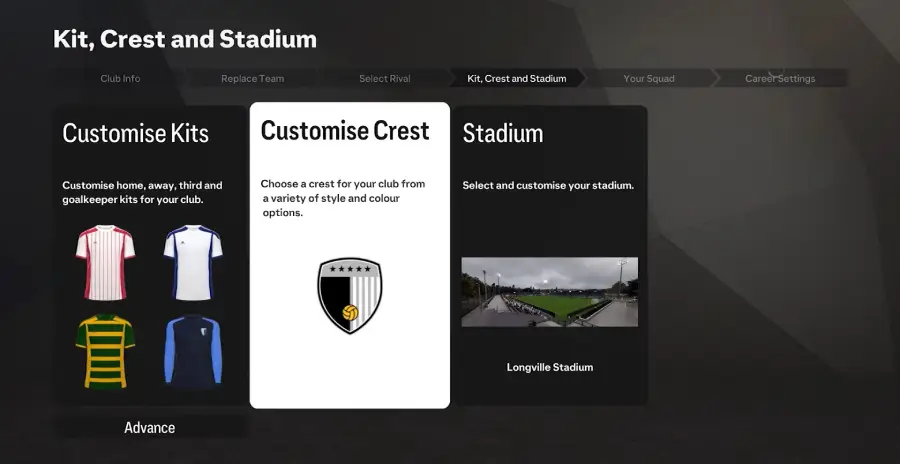
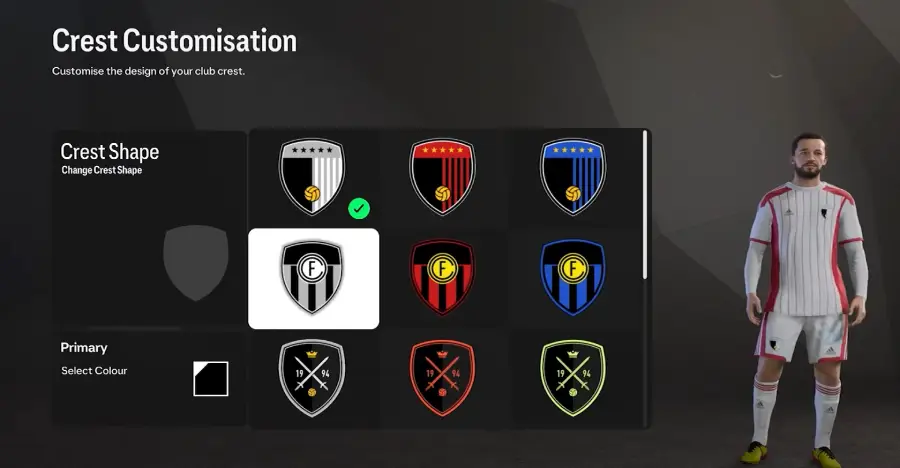
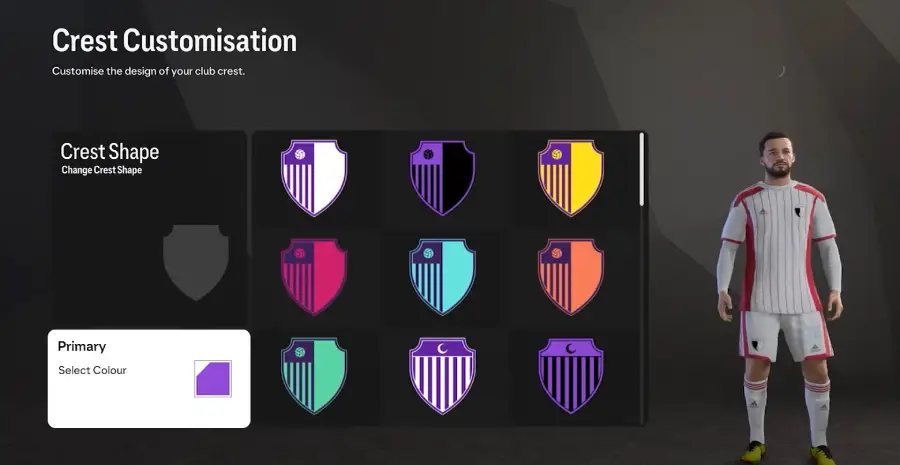
Choose a crest shape and main color for your club badge. Customization is limited, but you can still match it to your kit's theme.
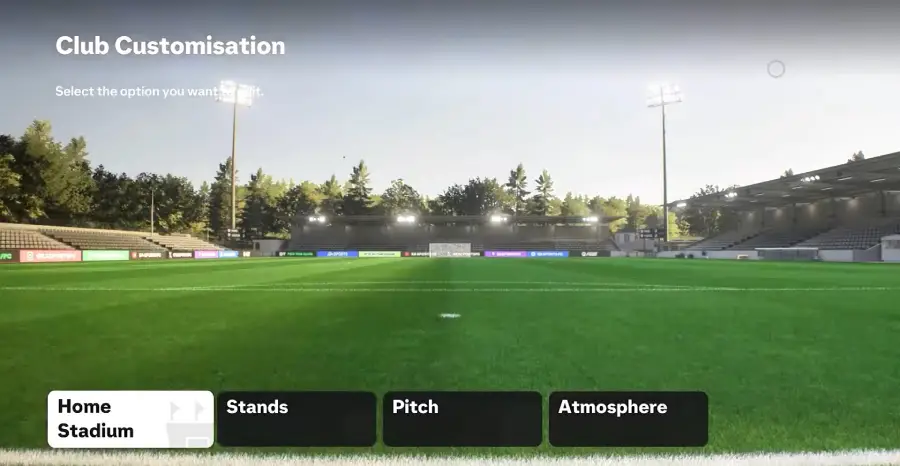
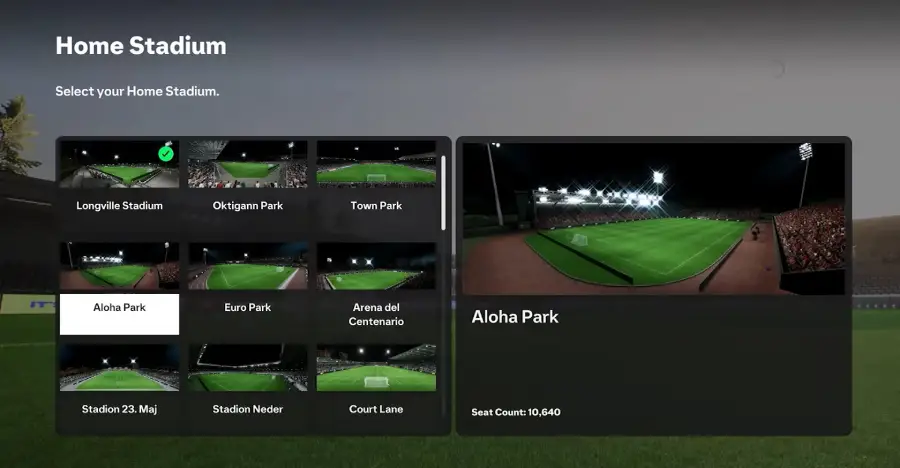
Step 8: Select Your Stadium
Pick one of the available stadium templates. You can adjust details like seat colors, pitch patterns, and crowd atmosphere later.
Step 9: Assemble Your Squad
Set your team's overall rating and age range. Start with a strong squad or a weaker one for a bigger challenge, and adjust your transfer budget to match your preferred playstyle.
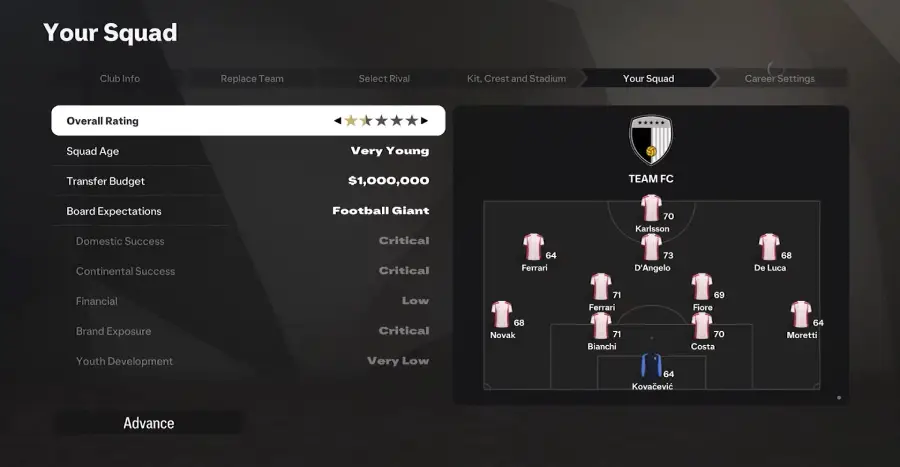
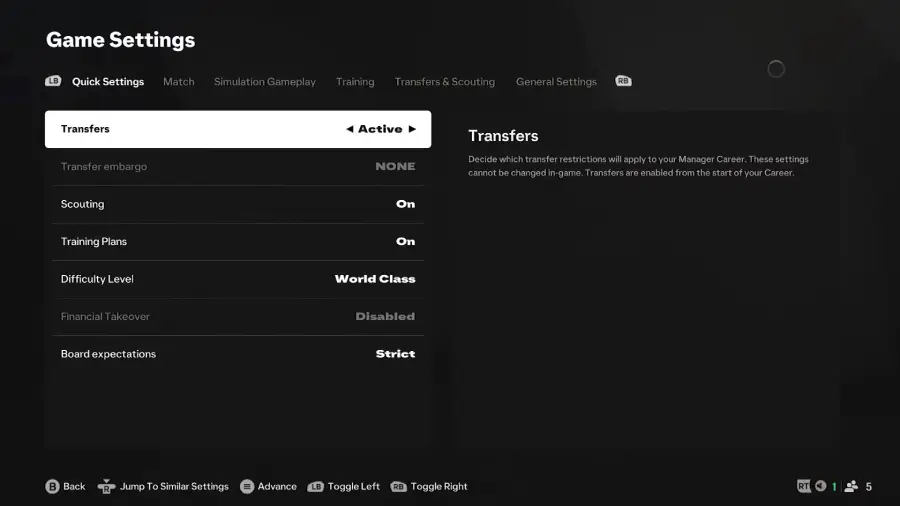
Step 10: Define Board Expectations
Set your club's objectives — youth development, domestic success, financial goals — which shape how your board evaluates your performance throughout the career.
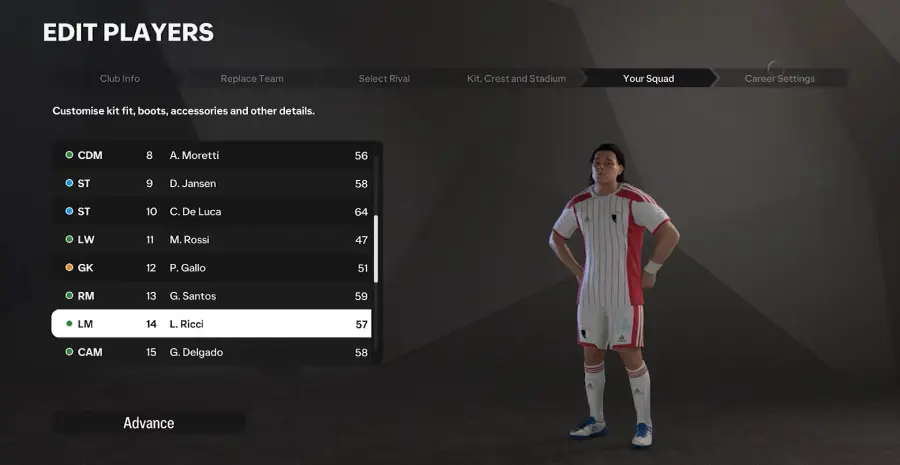
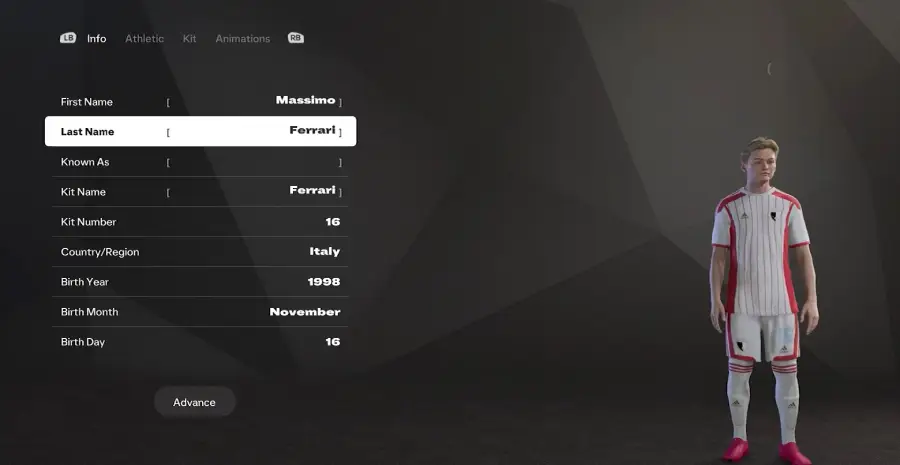
Step 11: Create Your Players
Customize individual players' appearances, ratings, and positions to fit your club's vision.
Step 12: Start Your Career
Once customization is complete, confirm your final settings and start your career. Most minor details can still be adjusted later from the Career Mode menu.
Frequently Asked Questions
Can I change my club's details after starting my career?
Some elements, like kit colors and stadium details, can typically be adjusted later from the Career Mode menu. Core identity choices made during setup, such as the club name and the team you replaced, generally can't be changed once your career begins.
Do I have to replace an existing team?
Yes — creating a new club means selecting a league and choosing one existing team slot for your club to take over.
Does my squad rating affect difficulty?
Yes. Starting with a stronger, higher-rated squad makes early results easier, while a weaker squad offers a more gradual, challenging build-up.
Final Thoughts
You've now created your own club in Manager Career Mode. Take charge of your new team, develop young talent, and compete for glory in your chosen league.
