


No loginneededyou stay in your account
Pricesgivenbuy + list exactly so
90 ssearchthen tap Buy
500Kper transfermore in several transfers
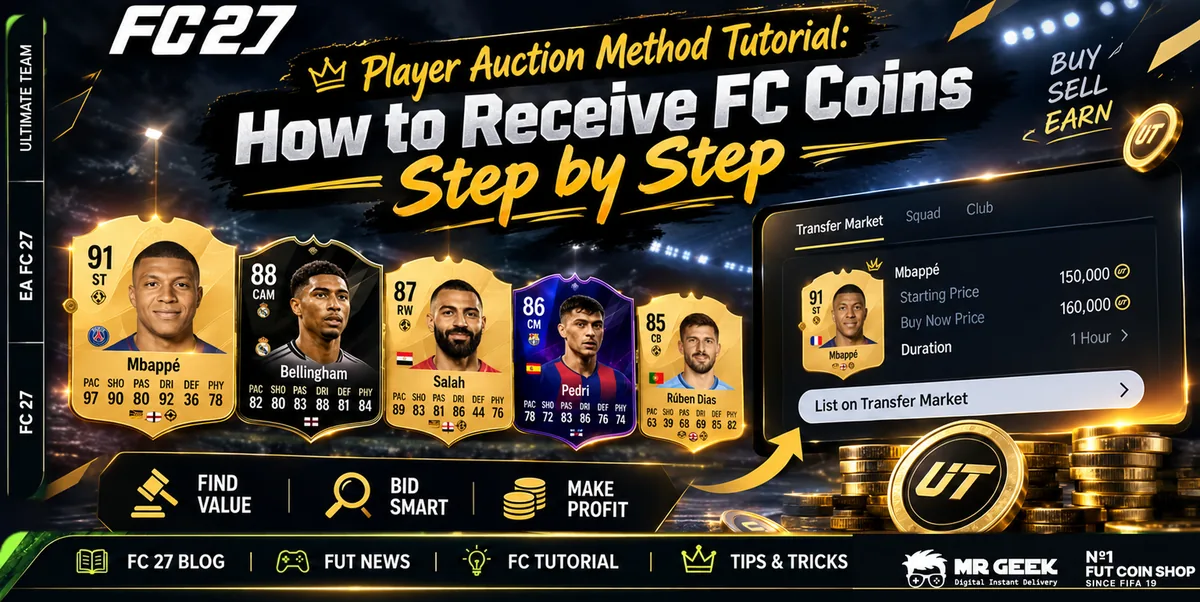
Quick answer: On the delivery page enter your current coin balance and pick a player. Buy that player on the transfer market for at most the shown price, then list it with the shown start price, Buy Now price and duration. On the delivery page tap Search and then Buy: the system buys your player and the coins land in your club. Repeat until your order is complete.
Before you start, check it yourself
- Your transfer market works on your console or in the Web App (how to unlock it).
- You have enough coins to buy the shown player.
- There is space on your transfer list (how to clear it).
Last updated: 6 November 2026
What you need for Player Auction
- An unlocked transfer market on your console or in the Web App or Companion App.
- Your current coin balance.
- Enough coins to buy the listed players at the shown price.
- A stable internet connection and your delivery page of the order.
How a Player Auction delivery works, step by step
Check your transfer market
Open the game or the Web App and make sure the transfer market works.
Enter your coin balance
On the delivery page enter how many coins you have in your club right now. This way you get players you can afford.
Choose a player
Pick a player from the list. Watch the name and version of the card (for example a normal gold card or a special version) and the average price.
Buy the player
Buy exactly this card on the transfer market for at most the maximum price shown on the delivery page. Do not pay more.
List the player
Put the card on the transfer market with the shown start price, Buy Now price and duration. Then go back to the delivery page without reloading it.
Let the system find it
Tap Search on the delivery page. Finding your player can take up to 90 seconds. When it is found, tap Buy.
Wait for the confirmation
The status shows Pending and then Bought. The coins from the sale are in your club.
Repeat
Continue with the next player until your full amount is transferred. Remaining coins and player prices are adjusted automatically.
Use exactly the shown card and prices
A different version of the player or different prices mean the system cannot find your listing. Do not reload the delivery page manually, it updates by itself.
Player Auction or Comfort Trade?
| Player Auction | Comfort Trade | |
|---|---|---|
| Login | not needed | EA login + code needed |
| Your effort | buy and list players yourself | hands-off |
| Per transfer | up to 500,000 coins | up to 2 million coins |
| Best for | players who want to keep their login to themselves | players who want it to run by itself |
Good to know
| Topic | What applies |
|---|---|
| Player costs and EA tax | are included on our side; you receive the coin amount you ordered |
| Pending takes long | at busy times Pending can take a few minutes, that is normal |
| Several listings | you can list more players while you wait; they are processed in order |
| Player not found | check card version and prices; do not refresh again and again; contact support if it stays |
Tips
- Keep enough coins for the first player before you start.
- Copy the prices exactly from the delivery page.
- Keep space on your transfer list.
- Larger amounts arrive in several transfers of up to 500,000 coins.
FAQ
What is the Player Auction method?
A delivery method where you buy and list players on the transfer market, and the system buys them from you. You do not share your login.
What do I need?
An unlocked transfer market, your coin balance, enough coins for the shown players and your delivery page.
How long does it take?
It depends on the market. Finding a player takes up to 90 seconds, Pending can take a few minutes at busy times.
Does it work on all platforms?
It works on your console or in the Web App and Companion App, as long as your transfer market is unlocked.
How many coins per transfer?
Up to 500,000 coins per transfer. Larger orders come in several transfers.
Is Player Auction the same as Comfort Trade?
No. Player Auction uses the transfer market, Comfort Trade uses your login and runs by itself.
What if a step does not work?
Do not refresh again and again. Check card and prices and contact support if needed.