


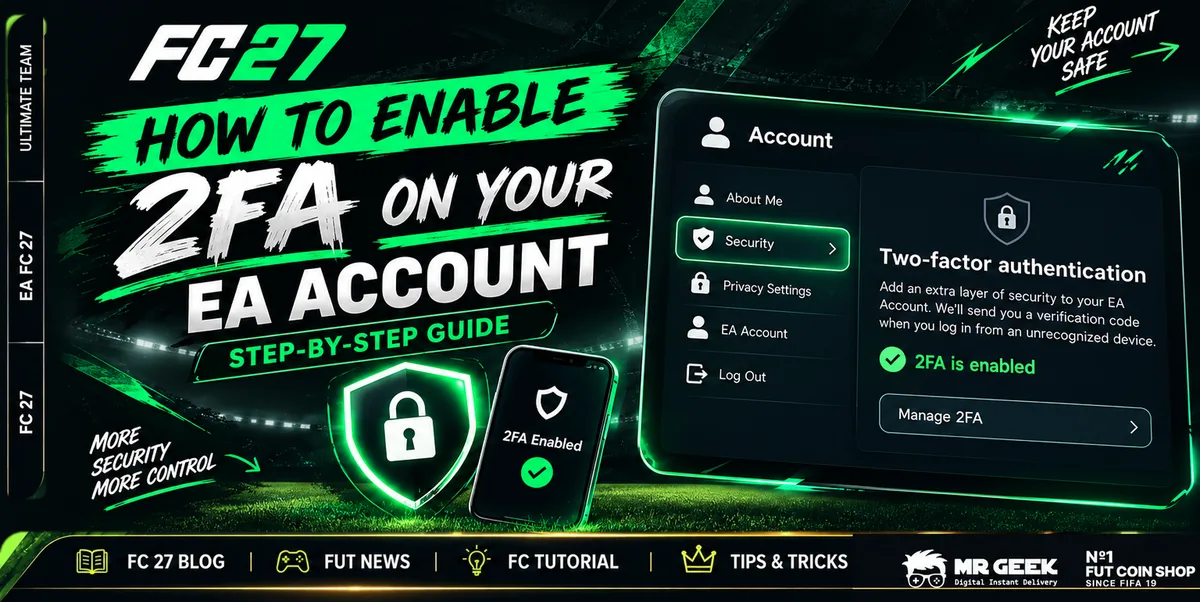
Turn onSecurity and privacyTwo-factor authentication
3 waysto get the codeapp, text or email
1 codeto confirmEA sends it to your method
6 codesbackupsave them right away
Quick answer: Sign in at myaccount.ea.com, open Security and privacy, click Two-factor authentication and Turn on. Choose authenticator app, text message or email, enter the code EA sends you, and save your backup codes. From then on EA asks for a code after your password.
Is 2FA on? Check it yourself
- Open Security and privacy in your EA Account.
- Look at the box Two-factor authentication.
- It says Enabled with a green Verified? Then 2FA is on. Otherwise click it and turn it on.
Last updated: 6 November 2026
What is two-factor authentication?
Two-factor authentication (2FA), earlier called Login Verification at EA, is an extra lock for your EA Account. After your password, EA asks for a code from your phone, email or authenticator app. Even if someone knows your password, they cannot log in without that code. With 2FA on, you also get your backup codes.
How to turn on 2FA, step by step
Sign in to your EA Account
Go to myaccount.ea.com and sign in with the EA Account of your game (which one?).
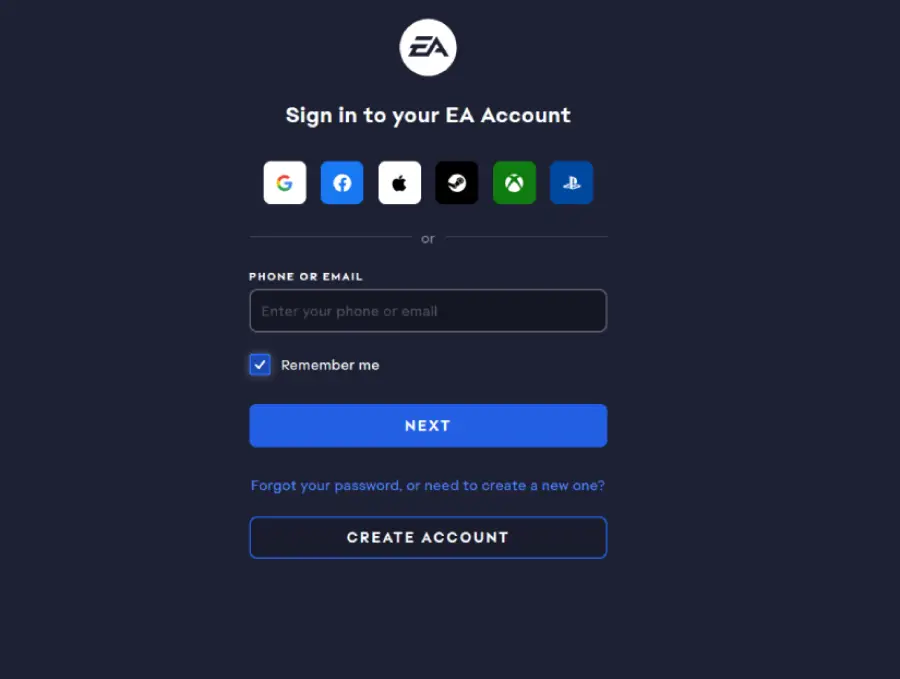
Open Security and privacy
Click Security and privacy on the left and scroll to Two-factor authentication (previously Login Verification).

Turn on
Click the box and then Turn on.
Choose your method
Choose authenticator app (for example Google Authenticator or Authy), text message or email.
Enter the code
EA sends a code to the method you chose. Enter it to finish the setup.
Save your backup codes
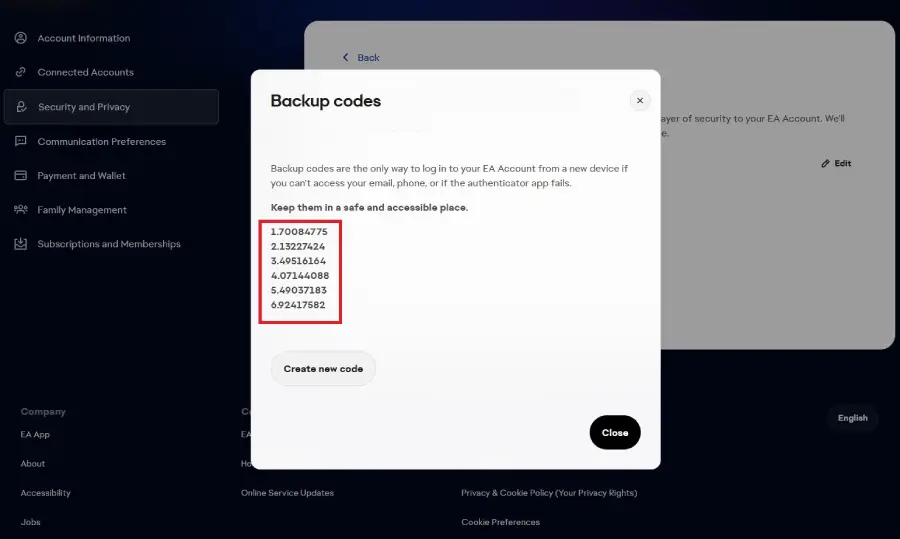
EA now creates 6 backup codes. Save them safely, they get you in if your phone or email is not available.
| Step | Where | What to do |
|---|---|---|
| 1 | EA Account | sign in |
| 2 | Security and privacy | open the security settings |
| 3 | Two-factor authentication | Turn on |
| 4 | Method | app, text or email |
| 5 | Confirmation | enter the code |
| 6 | Backup codes | save them safely |
Which method should I choose?
| Method | How it works | Good to know |
|---|---|---|
| Authenticator app | the app creates a new code every few seconds | works without signal; keep your backup codes in case you change phones |
| Text message | EA sends the code by SMS | needs your phone and signal |
| EA sends the code to your EA email | only as safe as your email; check spam |
Cannot turn on 2FA?
- Check that you are signed in to the right EA Account.
- Reload the page and try again.
- Check that your email and phone number in the EA Account are correct.
- The code does not arrive? Look in spam, wait a minute and request a new one.
- Still nothing? Contact EA Help.
FAQ
What is 2FA on an EA Account?
An extra code after your password. You get it by app, text or email, so nobody can log in with your password alone.
How do I turn on 2FA on my EA Account?
EA Account → Security and privacy → Two-factor authentication → Turn on, choose a method, enter the code and save your backup codes.
Which 2FA methods does EA offer?
Authenticator app, text message (SMS) and email.
Is EA 2FA the same as Login Verification?
Yes. Login Verification is the old name.
Where do I find the EA security settings?
In your EA Account under Security and privacy.
What happens after I turn on 2FA?
EA asks for a code after your password on new devices and logins, and you get backup codes.
Where do I find my EA backup codes?
Under Security and privacy → Two-factor authentication → View backup codes. Details in our backup codes guide.
Can I change my 2FA method later?
Yes, in the same place under Two-factor authentication.
Sources
- EA Account: Security and privacy (checked 6 Nov 2026)