


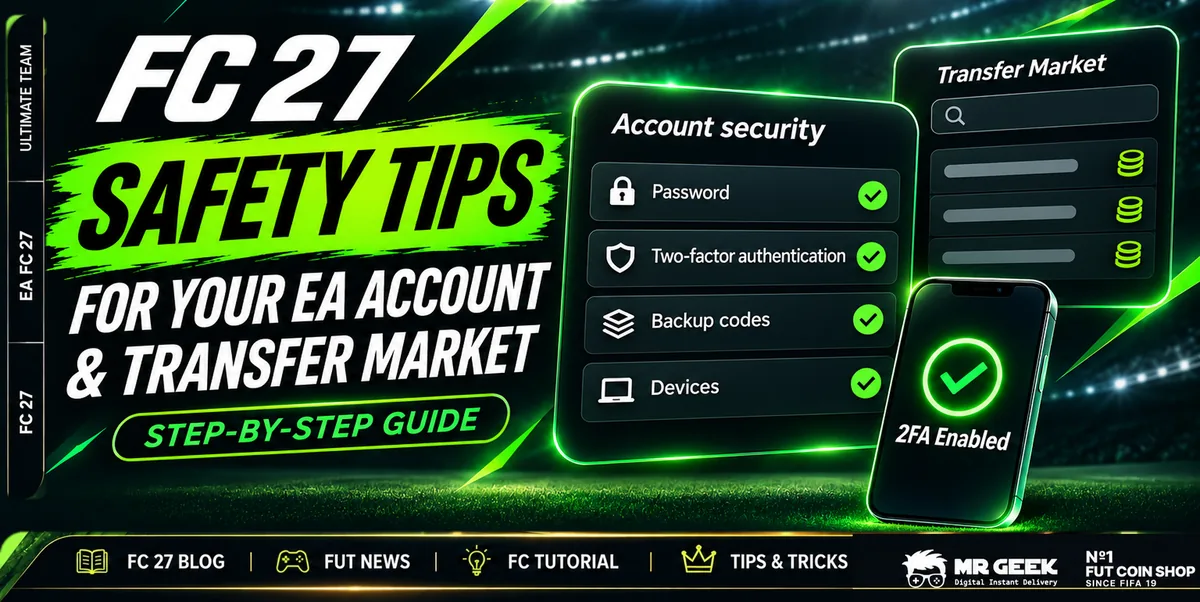
In short: A few simple habits keep your EA account and your Ultimate Team club in good shape: a strong password for your EA account and your email, two-factor authentication with an authenticator app, your backup codes in a safe place, a quick look at your devices now and then, and normal trading on the Transfer Market. Larger coin amounts are delivered in steps over several days; your delivery page shows when the next step can start. After a delivery, change your EA password and create new backup codes.
2FAwith an authenticator app
Backup codesin a safe place
Market pricetrade close to it
Deliveryspread over several days
Afterwardsnew password + codes
Last updated: 12 November 2026
1. Your EA account
A strong, unique password
Use a long password that you do not use anywhere else, ideally created and stored in a password manager. If you think someone else knows it, change it: how to reset your EA password.
Your email is the key to your account
Anyone who can read your email can reset your EA password. Give the email account behind your EA account its own strong password and turn on two-factor authentication there too. Not sure which email your EA account uses? Find your EA account.
Two-factor authentication with an app
With two-factor authentication (EA also calls it login verification), EA asks for a code when someone signs in from a new device. An authenticator app is the best option, because the codes are created on your phone instead of being sent by email or text. Step by step: turn on 2FA for your EA account.

Keep your backup codes safe
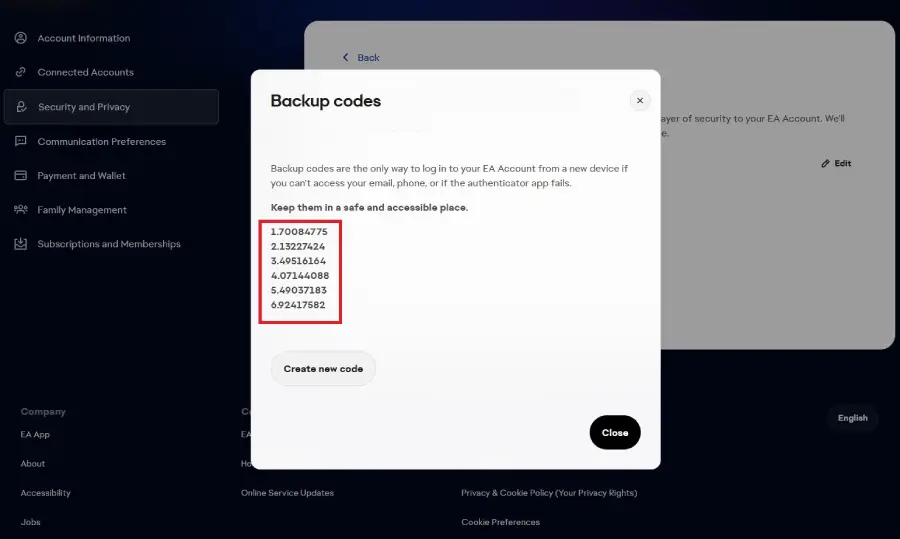
Backup codes are your way back in if your phone is lost or broken. According to EA, they are the only way to sign in from a new device when your usual method is not available. Write them down or keep them in your password manager, not as a screenshot in your photo gallery. Before you change phones, save your codes and move your authenticator app. How to get your backup codes.
Check your devices now and then
Once two-factor authentication is on, EA keeps a list of the devices you trusted with "Remember this device". You find it in your EA account under Security. Remove any device you do not recognise.
Logins from a Comfort Trade delivery: during a Comfort Trade our transfer system signs in to your account, so you may see this login in your account. Once your delivery is complete, the simplest step is the one below.
"Unusual activity – was that you?"
After a delivery, EA may show a message about a login from another location the next time you sign in. It is only information. If it appears right after your delivery, tap "Yes, that was me". Nothing else is needed. If you see it at a time when no delivery was running, tap "No, that wasn't me" and change your password.
After a delivery: new password, new backup codes
For a Comfort Trade you enter your EA login on our delivery page. Here is what happens with it:
- Your login is sent encrypted (HTTPS).
- It is used only for your delivery and passed on to our delivery partner for that purpose.
- Your EA password is removed from your order automatically within a few days after the delivery is complete.
- The delivery starts automatically. If something goes wrong, our team helps you.
Our tip: when your delivery is complete, change your EA password and create new backup codes. That way your login is only yours again. How to reset your EA password · new backup codes
Never share codes with strangers
EA support only helps through help.ea.com. Be careful with messages, DMs or emails that claim to be EA and ask for your password or a code.
2. The Transfer Market: what is normal and what EA does not like
Completely normal
- Buying and selling players at market price
- Sniping by hand: searching for a cheap player and buying quickly
- SBCs, opening packs, selling duplicates
- Trading on console, PC, Web App or Companion App
Some things EA's rules do not allow
From EA's User Agreement and Positive Play Charter:
- Sharing your account. EA says your account is yours and should not be shared, "even with a family member". Someone else's activity on your account counts as yours.
- Bots and automatic tools. Auto-buyers, auto-bidders and other tools that use EA services automatically are not allowed.
- Using bugs and exploits to get items or coins.
EA can respond with warnings, removal of items, or a temporary or permanent suspension.
Trades far away from the market price
Trades far above or far below a player's usual price stand out, for example when coins are moved from one account to another through an overpriced card. Our tip: never sell players far above or far below their market price.
The daily trading limit
EA limits how much one account can trade in a day. As a guide, this is usually reached at around 2.5 million coins of trading volume. When the limit is reached, the account cannot trade for up to 24 hours. This is not a ban, just a pause. You can keep playing and spending coins in the meantime. Very many searches, bids or listings in a short time can also pause some Transfer Market actions for a while ("Come back in 1 day"). In both cases the access comes back on its own; EA support cannot unlock it by hand.
3. Coin deliveries: why we spread larger amounts
Because of this daily limit, larger amounts are delivered in steps over several days. Within one transfer, the delivery pauses and continues on its own. Larger amounts are delivered in several transfers: when one is done, your delivery page shows a countdown, and then you start the next transfer. Stick to the values on your delivery page: it shows how much can be moved right now and when the next transfer is recommended.
| Platform | Guide value per delivery day |
|---|---|
| PlayStation / Xbox | up to about 2–2.5 million coins per day |
| PC | about 700K–1M coins per day or every two days |
Why less on PC? The PC Transfer Market is smaller than on console, so we are a bit more careful there and move smaller amounts. These are guide values from many years of experience, not a hard limit. More does not automatically mean a risk. In our experience this season, customers have ordered, for example, 20 million coins at once, delivered step by step over several days, without problems. We do not know of any customer ban this season. This is our experience, not a guarantee.
A few habits make delivery days calm:
- On delivery day, play and enjoy your coins. Build your team, play matches, do objectives. Leave big trading sessions of your own for another day, because they count towards the same daily limit.
- SBCs on delivery day: there is no official rule. If you want to be extra careful, hand in large SBCs the next day.
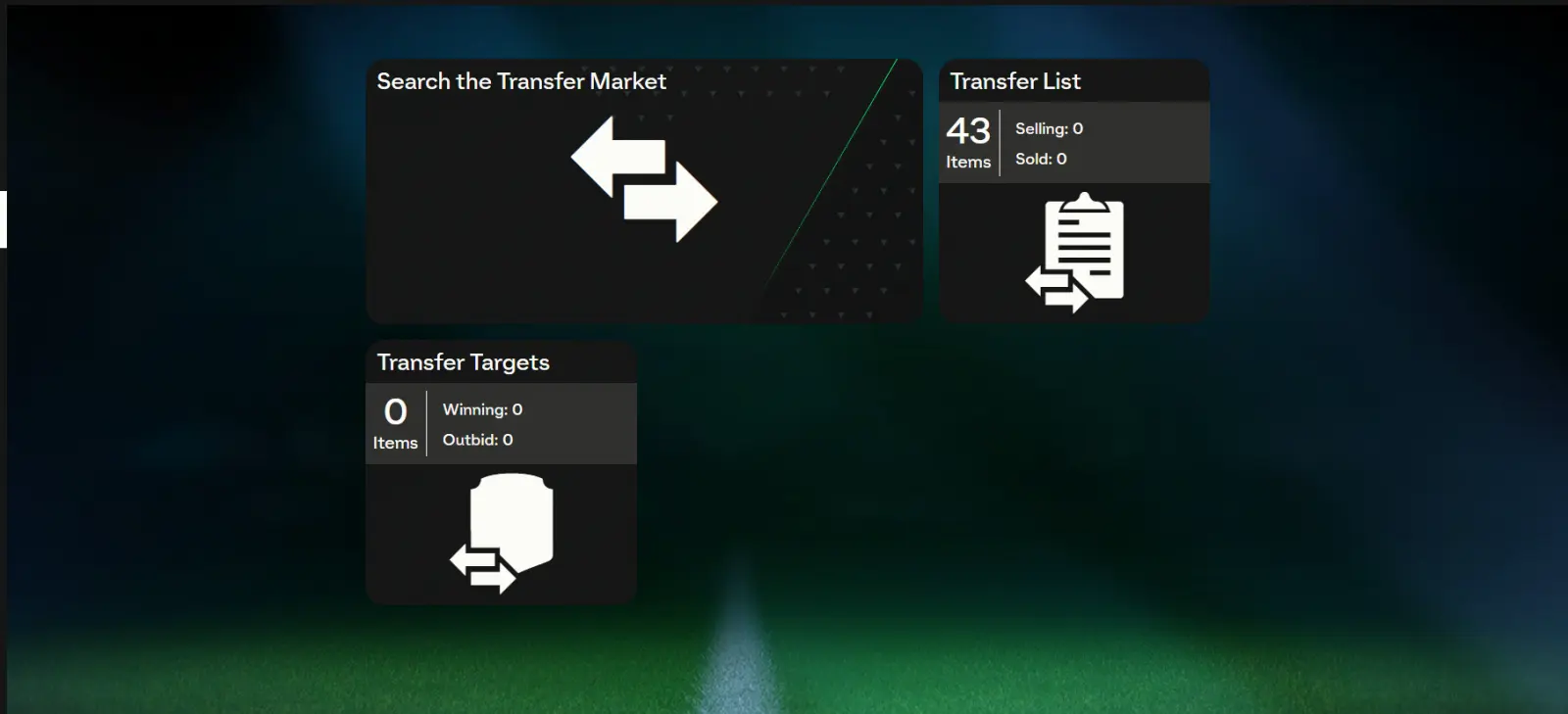
- Keep your Transfer List tidy: clear your Transfer List before a delivery.
- Log out correctly before a Comfort Trade starts: how to log out of Ultimate Team.
More about the delivery methods: Comfort Trade · Player Auction.
Quick checklist
- EA password: long and only used for EA
- Email account: own strong password + 2FA
- EA two-factor authentication with an authenticator app
- Backup codes written down or in a password manager
- Devices checked, unknown devices removed
- Nobody else plays on your account
- No bots or auto-buy tools
- Trades close to the market price
- Larger coin amounts over several days
- After a delivery: new EA password + new backup codes
FAQ
Should I change my EA password after a delivery?
Yes, that is our tip: once the delivery is complete, change your EA password and create new backup codes.
My delivery paused. Is something wrong?
No. Usually the daily trading limit was reached or the system is spreading a larger order. Within a transfer the delivery continues on its own; if a new transfer is needed, your delivery page shows when you can start it. You can keep playing in the meantime.
What does "Remember this device" mean?
When you sign in and tick it, EA does not ask for a code on that device next time. All remembered devices are in your EA account under Security.
Is sniping allowed?
Yes, searching and buying quickly by hand is normal trading. Only automatic tools are not allowed.
Where can I get help from EA?
Only on help.ea.com. EA will never ask for your password in a chat or DM.
Sources
- EA: User Agreement (last updated 14 May 2026)
- EA: Positive Play Charter
- EA Help: Two-factor authentication (login verification)